
How to Track Church Donations Easily
Published Sep 30, 2026. 6 minute read
Share

Chisom Okafor
If anything is stressful about church administration, it is tracking church donations. Beyond the fact that the process requires utmost accuracy, you have to handle numerous payment methods and somehow maintain a clear record of who paid what and why.
If you are wondering how to track church donations, you will find exactly how to do that regardless of the payment method (cash, checks, mobile apps, text messages, and bank transfers), whether it is the general offering, a building project, or a mission trip. First, we will highlight why it actually matters.
Why Does Tracking Church Donations Actually Matter?
Regardless of your church's size, you will have donations going towards different missions. Whether it is for utilities, rent, or various charities, it is your duty as a leader to ensure that the funds are properly tracked. Among many others, these are a few reasons why tracking church donations matters.
- Members lose confidence in your church. If someone asks for a giving statement and it is wrong, or it takes two weeks to produce, they notice. And they remember.
- Restricted funds get mixed with general offerings. Someone gave toward the building project, not the light bill. When funds blur together, you're not just disorganized; you are spending money donors didn't intend for that purpose.
- Tax receipts take too long or come out wrong. Members rely on those receipts to claim deductions. Late or inaccurate ones are not just an inconvenience; they can leave your church exposed if records do not hold up under scrutiny.
- Leadership makes budget decisions without a clear picture of what's coming in. You cannot budget properly if you do not know, fund by fund and month by month, what is actually coming in.
- Volunteers find it extra hard. Reconciling messy records eats time that should have gone into ministry, not spreadsheet detective work.
None of this happens because your church does not care about generosity. It happens because the process is not built to keep up with how people actually give today.
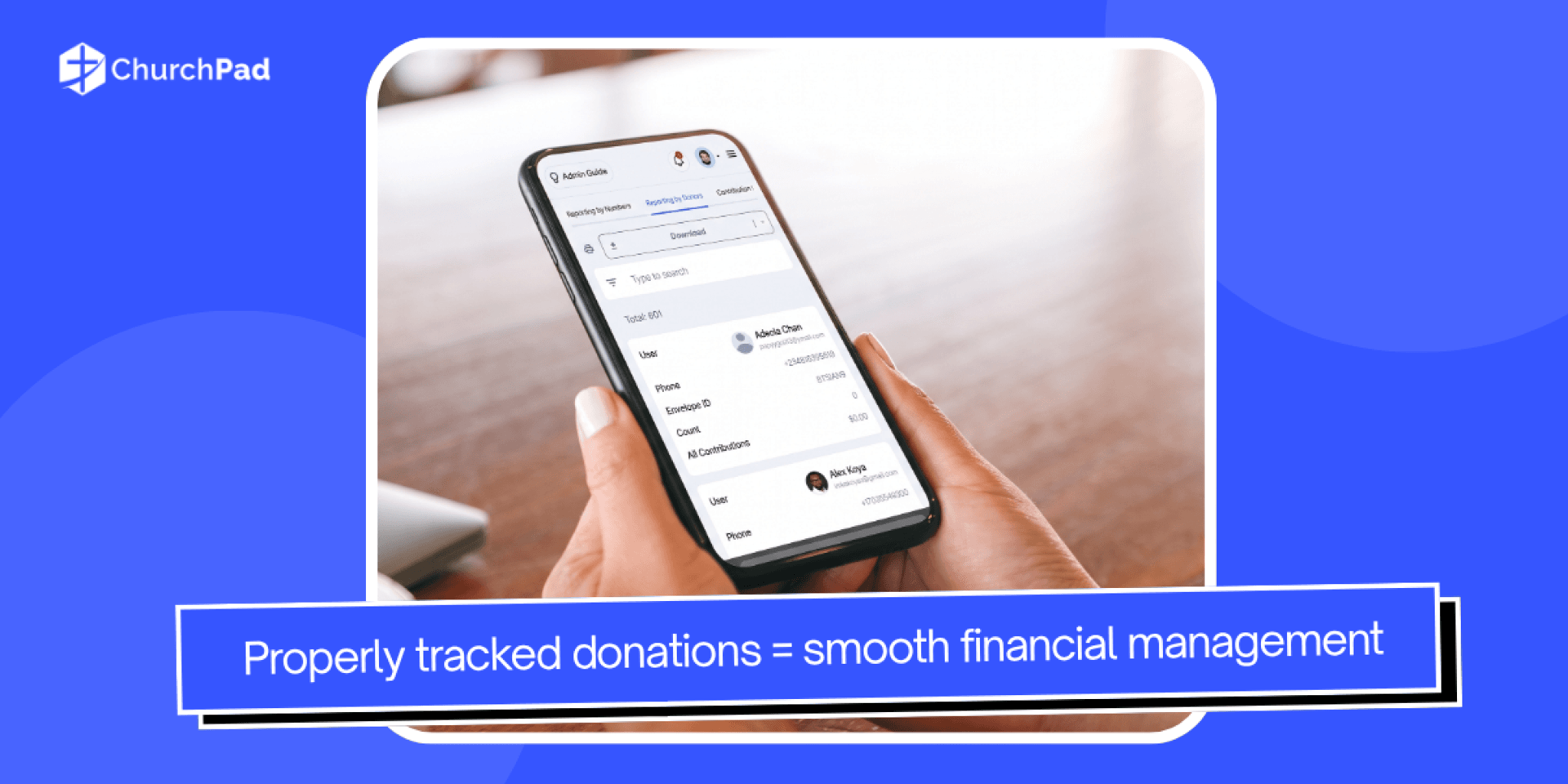
5 Steps to Track Church Donations More Easily
Fixing how your church tracks donations comes down to five habits, and ChurchPad was built to make each one easier.
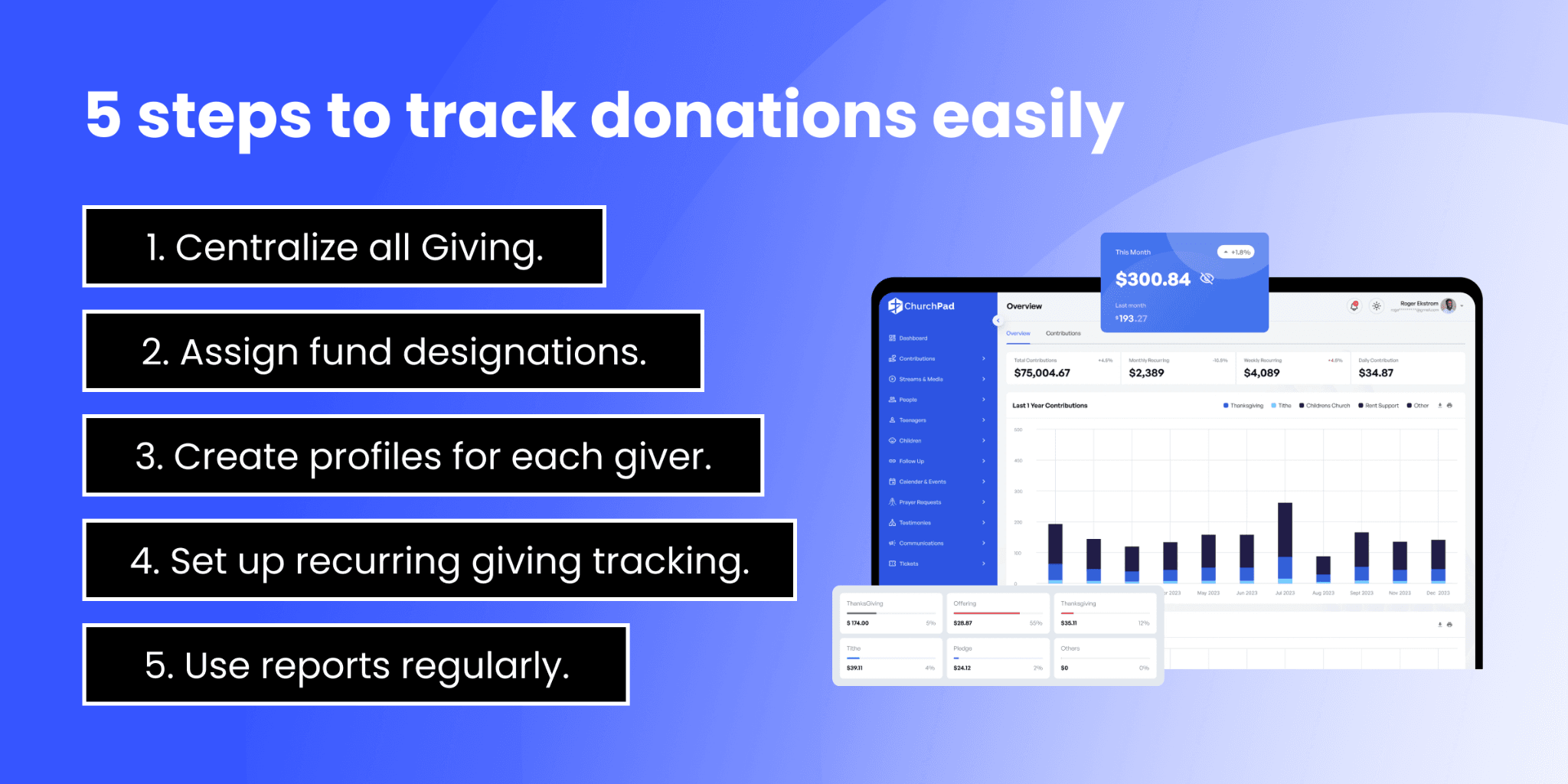
1. Centralize All Giving in One Place
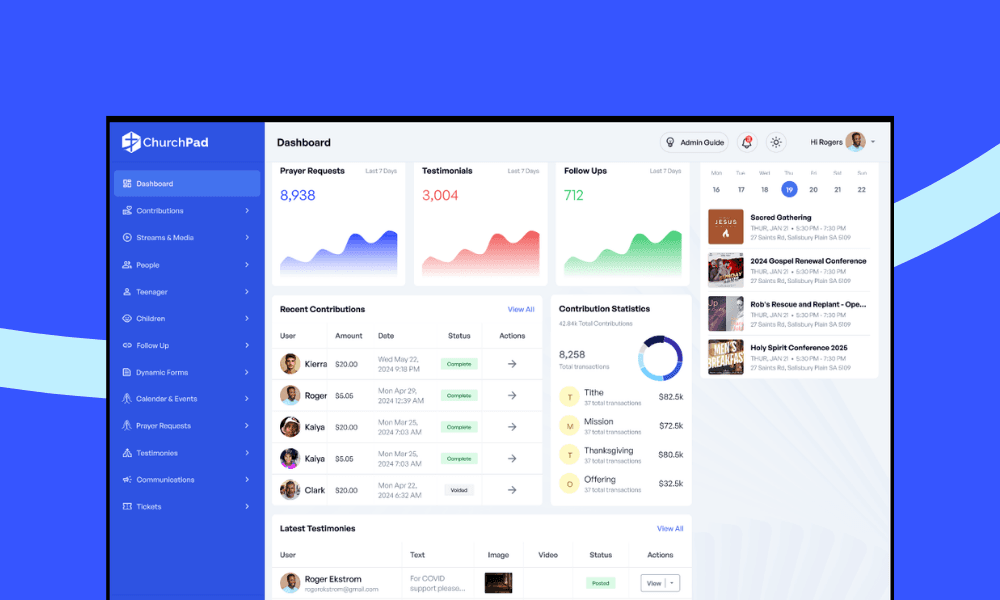
Members give in different ways, such as checks, text-to-give, QR codes, and online transfers. If each method has its own record, you are stuck piecing together totals from different sources. Bring every giving channel into a single dashboard so your team can see all contributions at a glance, no matter how the gift came in. On ChurchPad, every giving channel automatically feeds into a single dashboard.
2. Assign Fund Designations
Not every gift belongs in the same bucket. General operating funds keep the lights on, while restricted gifts go toward specific goals, like a new building or a missions outreach. Tag each donation with its fund from the moment it comes in, so you always know what's available to spend and where.
3. Create Individual Giving Profiles
Every giver, whether an individual or a family, needs a profile that logs their contributions over time. This makes it easy to pull up someone's cumulative annual total when they ask for a giving statement, and it keeps your records organized rather than scattered across notebooks or spreadsheets. ChurchPad builds this automatically for every member who gives, so pulling up someone's cumulative annual total takes seconds.
4. Set Up Recurring Giving Tracking
Recurring gifts are some of the most valuable donations your church receives, but only if you can track them properly. Keeping tabs on who gives regularly and when helps you forecast income and plan your budget with more confidence, rather than guessing month to month. It has even been found that setting up recurring giving can boost annual revenue by 32%.
5. Use Reports to Stay on Top of the Numbers
Tracking donations is not only about collecting data; it is about understanding it. Regular reports show you giving trends, point to which funds need attention, and give your leadership team the information they need to make sound financial decisions. If you use ChurchPad as your church management software, you can automate your church’s financial reports. Skip the manual number crunching, and let clear reports tell the story.
What Tools Can You Use to Track Church Donations?
When it comes to the tools for tracking church donations, you have two options: either you use the traditional, hands-on method (spreadsheets), or you outsource management to a church management system that requires less effort. Below, we will go into detail for both methods.
1. Spreadsheets
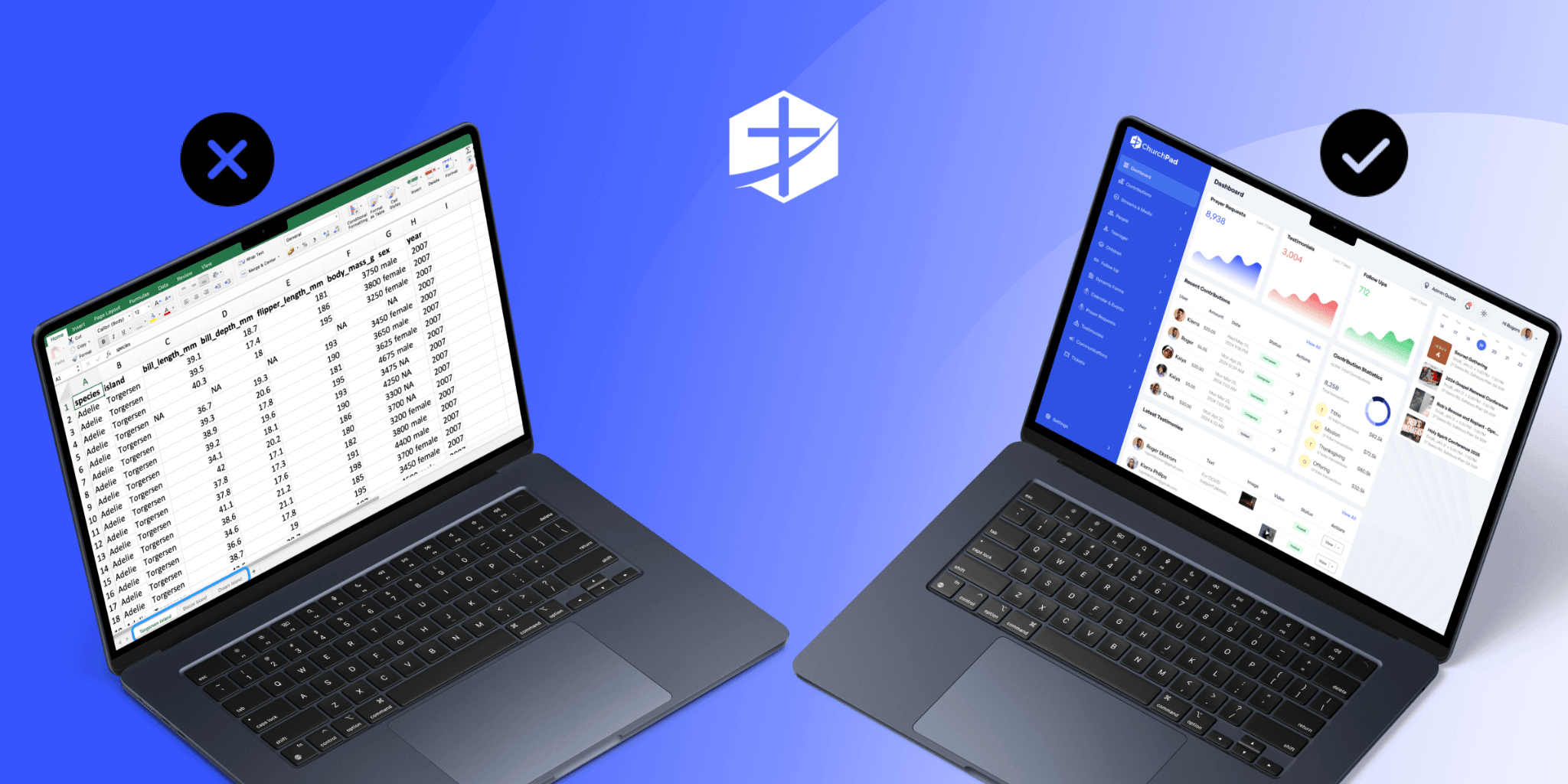
Microsoft Excel and Google Sheets are the most common spreadsheet programs for tracking church donations. They are free, easy to use, and offer templates you can adjust to your church’s needs. The downside is you manually enter every donation as it comes in.
It works for a while. But one wrong entry, missed row, or accidental deletion throws off the whole sheet. As your church grows, spreadsheets get harder to manage and easier to get wrong.
2. Church Management Systems (ChMS)
A church management system takes the manual work off your plate. Instead of typing in every gift by hand, a ChMS collects donations automatically, sorts them by fund, and keeps every giver's history in one place.
It is built specifically for how churches operate, so you're not stretching a generic tool to fit your needs. You may find this useful: In 2024, over 65% of mid- to large-sized churches adopted ChMS platforms for administrative efficiency.
How Does ChurchPad Simplify Donation Tracking?
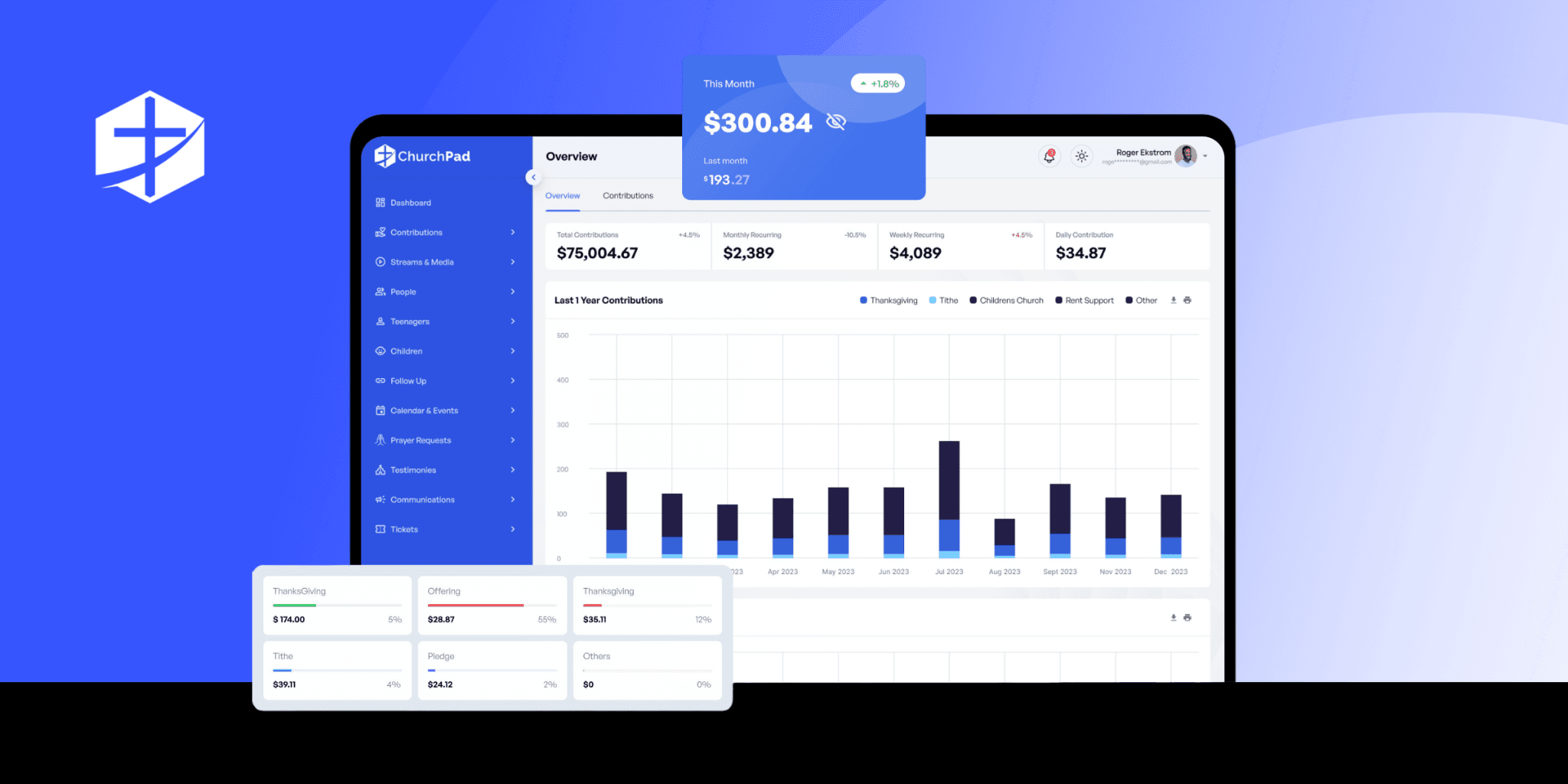
Tracking church donations involves many components: giving methods, fund designations, individual records, recurring gifts, and reports. ChurchPad's Giving feature was built to handle all of it from one place.
- Multi-Channel Giving: Text-to-give, mobile, online, QR codes, and recurring giving in one system.
- Automatic Reconciliation: All contributions sync to one dashboard; no manual cross-checking.
- Fund Separation & Tracking: Tagged gifts keep restricted funds and general offerings accurate.
- Real-Time Donor Profiles: Instant access to individual giving history for statements and receipts.
- Financial Dashboards & Reports: See income trends, sources, and period comparisons for smarter planning.
If you need an easier way to track church donations, it is time for a better system. ChurchPad brings all giving methods, funds, and reports into one place, so your team spends less time on data entry and more time on ministry.
Start your free 30-day ChurchPad trial today and see how much easier tracking church donations can be.
Subscribe for Updates
Never miss our update and new feature release to make your Church mangement seamless.